

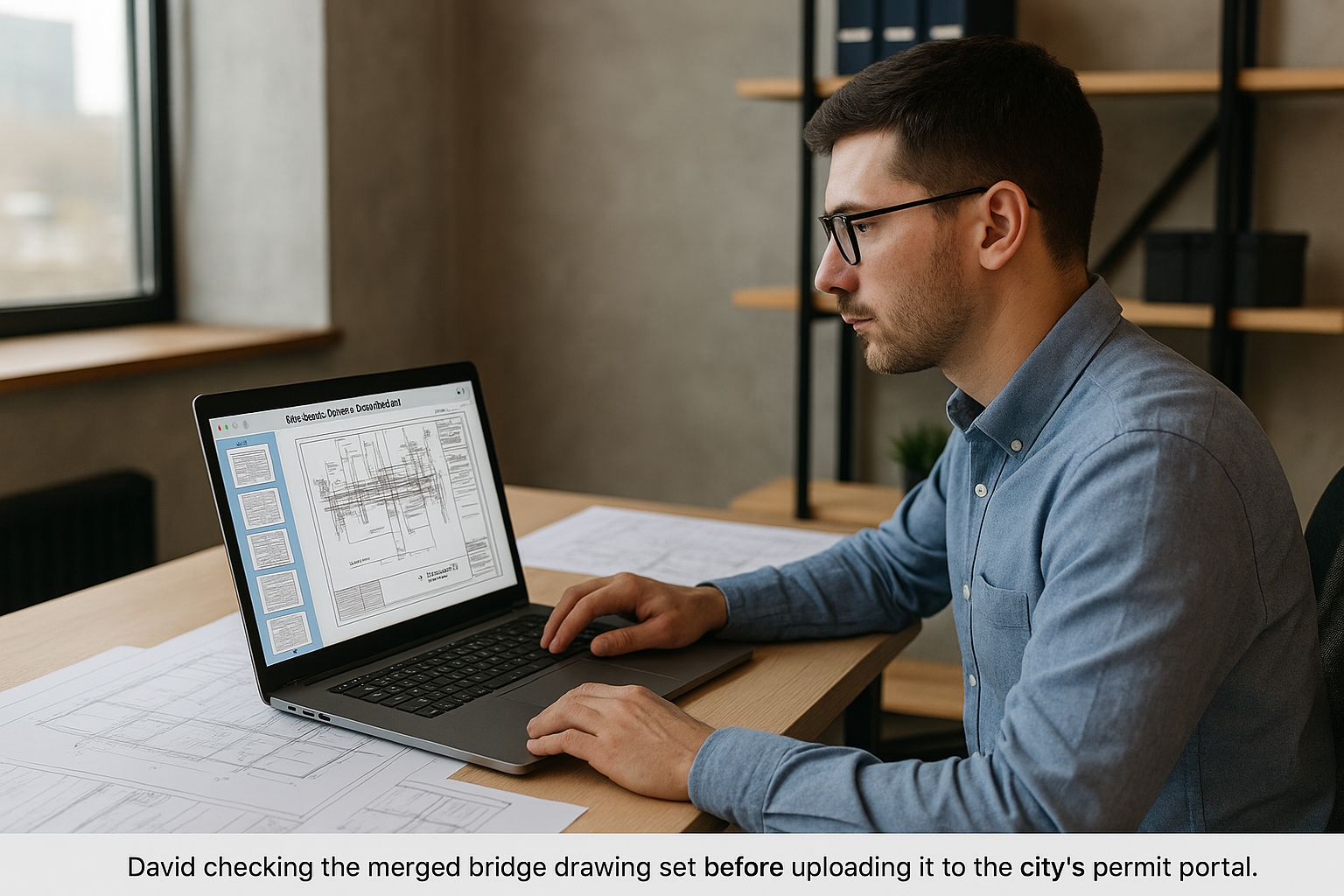
On paper, the Riverbend Overpass was a straightforward municipal project: a short-span concrete bridge to replace an aging two‑lane crossing on the edge of town. For David Martinez, a civil engineer at a mid‑sized transportation firm in Colorado, the calculations, load ratings, and design choices weren’t the hard part.
The hard part was the paperwork.
The city’s permitting portal required a single PDF set of drawings for review:
- General notes
- Plan and profile
- Sections and details
- Reinforcement schedules
- Utility coordination sheets
- Traffic control plans
David’s design team, however, had produced drawings in the way every modern team does—distributed:
- Structural sheets exported from Revit
- Roadway alignment from Civil 3D
- Traffic control plans from a separate consultant
- Utility relocations from yet another firm
Each discipline handed over its own PDF sheet set. The city wanted to see one cohesive document.
Project Reality: Four Teams, Four Styles, Four PDFs
By the time the design deadline came around, David had:
RB-STRUCT_Sheets.pdf– structural details and sectionsRB-ROADWAY_Plans.pdf– plan/profile views and gradingRB-UTIL_Relocation.pdf– utility conflicts and relocationsRB-TCP_Plan.pdf– traffic control, detours, signage
Each file used a slightly different sheet numbering convention. Some started at 1, others at 101. Watermarks were inconsistent. Page sizes varied between 22×34 and 24×36.
Individually, each PDF made sense within its own team. Together, they looked like four unrelated projects.
The city’s reviewer had been blunt on a past job:
“If I have to open multiple files to understand your design, your review clock will run slower.”
For Riverbend, David wanted zero excuses.
The Constraint: “One PDF, In Sequence”
The municipal requirements were precise:
- Single bookmarked PDF
- Sheets in logical order (general → plans → sections → details → traffic control)
- No duplicate sheet numbers
- File size under 50 MB
If he simply uploaded all four PDFs separately, the submission would be bounced back. If he stitched them badly—wrong order, mismatched scales—he’d invite extra review comments.
He needed everything:
- In one file
- In a clean construction drawing order
- With nothing mysteriously missing
The Merge That Changed How the Set Looked
Instead of asking each team to re‑export, David pulled down the latest PDFs and opened his browser to https://pdfmigo.com.
He dropped in all four sheet sets.
On screen, each sheet appeared as a thumbnail—small, but clear enough to see title blocks and numbers. This view immediately revealed small issues he hadn’t noticed before:
- The roadway set started with a different project title‑block version.
- Utilities used an older logo.
- The traffic control consultant had left their own internal cover sheet in the file.
He removed the stray cover, then started organizing.
He dragged the thumbnails into a new sequence:
- Cover sheet & general notes
- Overall plan and profile
- Structural framing plans
- Girder and rebar details
- Abutment and pier sections
- Utility relocation plans
- Traffic control and phasing
The entire bridge story now ran front to back without jumping between files.
When he was satisfied, he hit the Merge PDF button.
Out came Riverbend_Overpass_PermitSet.pdf – a single, compressed file under the city’s size limit.
Submission Day: Less Drama, More Engineering
With the merged set ready, David:
- Added standard bookmarks (G‑001, P‑101, S‑201, etc.)
- Ran one last check on sheet numbers and title blocks
- Uploaded the single PDF to the city’s permit portal
There were no “missing sheet” emails. No “please resubmit as a single document” messages. The review comments he eventually received were about actual engineering—not file formatting.
For David, the win wasn’t just that the city liked the submittal. It was the realization that:
- Reviewers think in sets, not in individual discipline exports.
- A merged, ordered PDF communicates coordination as much as the drawings themselves.
- Less time fixing submission format means more time solving real design problems.
On the next project, he didn’t wait until the night before submittal. He built a merged “coordination set” weeks earlier, using it in internal meetings so every team literally looked at the same pages.
The calculations kept the bridge standing. The single, well‑built PDF helped keep the project moving.
